
Table of Contents
A password is one guess away from being someone else’s problem. That uncomfortable arithmetic is exactly why multi-factor authentication exists. Rather than trusting a single secret, MFA asks you to prove who you are in two or more genuinely different ways before the door opens.
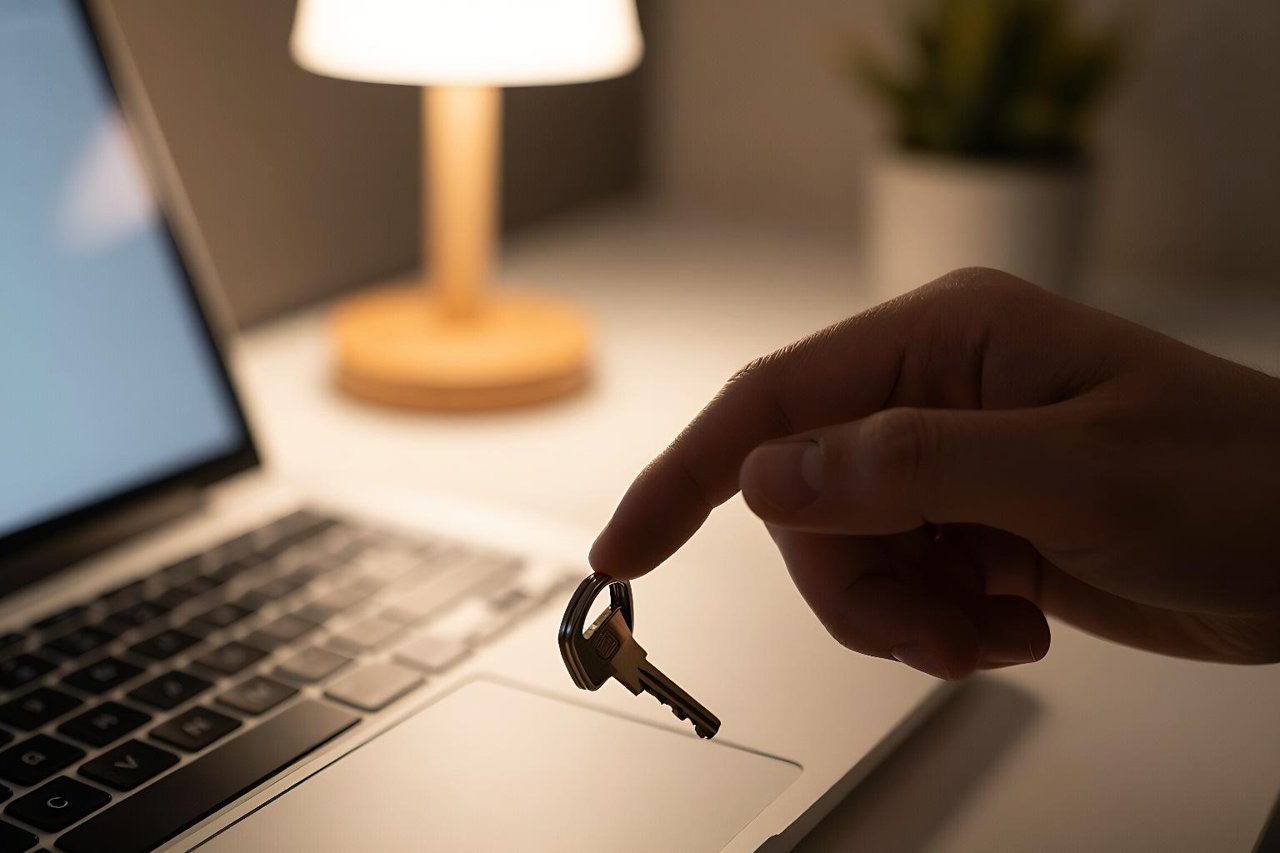
You have almost certainly used it already. The six-digit code your bank texts when you add a new payee. The approval prompt that pops up on your phone when you sign into a work laptop from a hotel. The little USB key a colleague taps against their machine before touching production systems. Those are all multi-factor authentication in action, and they are all doing the same job: making a stolen password worth much less to an attacker.
What “Multi-Factor” Actually Means
The word factor has a precise meaning in security. It refers to a category of evidence, not just another piece of information. There are three categories, and real MFA pulls from at least two of them.
- Something you know: a password, a PIN, the answer to a security question.
- Something you have: a phone, a hardware key, a smart card, a device certificate.
- Something you are: a fingerprint, a face scan, your voice.
Two passwords are not multi-factor authentication. Neither is a password plus a security question, since an attacker who phishes you can capture both in the same fake login page. A password plus a code generated on a device that only you hold is a different story, because that second piece of evidence lives somewhere the attacker cannot reach.

There’s a useful rule of thumb here: if both factors could be typed into the same browser window and stolen together, you probably don’t have MFA. You have a longer password.
Why Passwords Alone Keep Failing
Passwords fail for reasons that have nothing to do with how clever you are at picking them. Breach dumps from old services get recycled endlessly, and attackers feed those email and password pairs into automated tools that try them against hundreds of sites at once. This is credential stuffing, and it works because people reuse passwords across accounts, especially on the services they sign into once a year and forget about.
Phishing is the other half of the problem. A convincing copy of a login page collects credentials in real time, and the attacker uses them within seconds. No amount of password complexity training fixes this, because the user did nothing wrong. They typed their password into what looked like the right place.
The numbers back this up. Microsoft has reported that accounts with MFA enabled see more than 99.9% fewer compromise attempts than accounts protected by a password alone. That figure gets quoted a lot, and it holds up because it describes a structural change rather than a behavioural one: the attacker now needs something they can’t guess or phish in a single interaction.
The Main MFA Methods, Roughly Ranked by Strength
SMS and voice codes
Text message codes are the most familiar form of MFA and the weakest of the common options. They still beat a password on its own, but they’re vulnerable to SIM swapping, where an attacker convinces a mobile carrier to move your number to a new SIM, and to interception on older mobile networks. Treat SMS as a floor, not a ceiling.
Authenticator apps
Apps that generate time-based codes, like Google Authenticator, Microsoft Authenticator, or 1Password, remove the mobile network from the equation. The secret is stored on your device and the codes rotate every 30 seconds. It’s a solid step up from SMS, though it can still be phished if someone types a live code into a fake page.
Push notifications
Push approval is what most people picture when they hear MFA at work. You tap “approve” on your phone and you’re in. It’s fast and it removes typing, but it introduced a new attack: push bombing, where an attacker spams approval requests until an exhausted user taps yes. Uber’s 2022 breach started exactly this way. Good implementations now show the location and application in the prompt, or require a number match.
Hardware keys and passkeys
FIDO2 security keys and passkeys bind the login to the actual web address you’re visiting. Present them to a phishing site and nothing happens, because the key checks the domain before responding. This is what CISA calls phishing-resistant MFA, and it’s the direction serious organisations are moving for administrators, finance teams, and anyone with access to sensitive systems.
How Attackers Get Around MFA Anyway
MFA is not a magic shield, and pretending otherwise leads to bad decisions. Real-world bypasses usually fall into three buckets:
- Real-time phishing proxies that sit between you and the real login page, capturing your password and your session cookie in one go.
- MFA fatigue campaigns that rely on human tiredness rather than technical weakness.
- Recovery path abuse where an attacker targets the helpdesk or the password reset flow instead of the login screen, because that’s where the defences are thinner.
Notice that none of these break the cryptography. They attack the human workflow around it. That’s the practical lesson: the strongest factor in the world is useless if your account recovery process lets someone talk their way past it.
Where MFA Fits in a Wider Security Plan
Multi-factor authentication protects the front door. It does nothing about the fact that a single account might have access to every customer record in your database, or that a departed contractor’s credentials still work. Getting the most from MFA means being honest about what you’re protecting and from whom, which is exactly what a structured threat modeling guide for software teams helps you work out before you start buying licences.
Two accounts with the same password and MFA enabled are still two accounts an attacker can pivot between once one falls. Pair MFA with least-privilege access, short session lifetimes, and logging that tells you when a login looks unusual.
Rolling It Out Without a Mutiny
The technical setup is usually the easy part. The hard part is the Tuesday morning when forty people can’t get into their email because their phone is in a repair shop.
A rollout that tends to work looks like this: start with administrators and anyone with access to financial or customer data, since that’s where the risk concentrates. Enforce MFA there first, with hardware keys or passkeys for the highest-risk group. Then expand to the general workforce using push or authenticator apps, with a clear grace period. Issue backup codes at the same time, not after the first support ticket. And make sure the helpdesk has a verified identity process for resets, because that’s the seam attackers will pick at.
For customer-facing products, the calculation is different. Forced MFA at signup tanks conversion. Offering it as a visible, rewarded option and pushing it hard for anyone handling money or personal data tends to land better. Threat modeling exercises are useful here too, because they tell you which user groups genuinely need the friction and which ones just need a good password.
Questions Worth Asking Before You Pick a Method
Before committing to a factor, run through a few practical checks. How does a user recover access if they lose the device, and who verifies that identity? Does the method work offline, on a plane, in a basement with no signal? Will it survive a device upgrade cycle? Can your support team actually troubleshoot it, or will every lockout become an escalation? And does the prompt show enough context that a user can tell a genuine login request from a fraudulent one?
Answer those honestly and the choice usually makes itself. A hardware key that nobody can recover from safely is a liability. An SMS code that works everywhere is better than a fancy app that half your staff can’t install. The right answer for a five-person startup and a hospital network will look quite different, and that’s fine, as long as the second factor exists at all and the recovery path is as carefully guarded as the login itself.


