
Table of Contents
A friend of mine lost access to her email, her bank app and a food delivery account in the space of about nine minutes last year. No malware. No zero-day exploit. A gym website she’d signed up for in 2019 had leaked its user database, and an automated script tried her email and password combination against a few hundred other sites. Three of them worked.
That’s how most attacks on ordinary people actually go. Not a hooded figure in a dark room, just a script running through a list. The habits that let it work are boringly consistent, and almost all of them are fixable.
1. Using the same password everywhere
Password reuse turns one small breach into a catastrophe. When any site you’ve ever registered with gets compromised, every account sharing that password becomes a target within hours. Security researchers call the follow-up attack “credential stuffing,” and it works because roughly a third of people admit to reusing logins across multiple accounts.
What actually helps
Length beats complexity. A passphrase of four random words is easier to remember and far harder to crack than P@ssw0rd2024. Better still, let a password manager generate and store unique 20-character strings for each site, so you only need to remember one strong master password. If that feels like too much setup, at minimum give your email and banking accounts their own unique passwords. Those two unlock everything else, usually through password reset emails.

2. Believing you’d spot a phishing message
Most people are confident they’d catch a scam email. Most people are wrong, and the reason is that the tells have changed. Awkward grammar and blurry logos are largely gone. Language models now write fluent, well-punctuated messages that match a company’s tone, and they can do it in your name after scraping your public posts.
The scams have also moved well beyond fake invoices. Fake delivery notifications, fake job offers on LinkedIn, and fake romantic partners are all part of the same toolkit, and AI romance scams are rising sharply because the conversations can now be generated at scale. Someone can be running dozens of them at once and still sound convincing.
Two habits cut through nearly all of it. First, check the actual sender address and the real destination of any link by hovering over it, not the display name. Second, never act on contact details supplied inside the message. If your bank texts you a number to call, look up the number yourself.
3. Leaving two-factor authentication switched off
Even a leaked password stops being useful to an attacker if the login also demands a code from your phone. Two-factor authentication blocks the overwhelming majority of automated account takeover attempts, and it takes about ninety seconds to enable on most services.
Not all second factors are equal, though. SMS codes can be intercepted through SIM-swap fraud, where someone convinces your mobile carrier to port your number to a new SIM. An authenticator app or a hardware key is meaningfully safer. Passkeys, now supported by Apple, Google and Microsoft, are better again and skip the code entirely.
Whatever you choose, print or store the backup recovery codes somewhere offline. People lock themselves out of accounts more often than attackers lock them out.
4. Posting details that answer your security questions
Security questions are a weak form of authentication, and social media quietly fills in the answers for anyone who looks. A determined attacker doesn’t need to guess your mother’s maiden name if your cousin posted it in a birthday tribute five years ago.
Here’s the sort of material that’s better left off public profiles:
- Your date of birth, including the year, which is a common identity verification check
- Pet names, school names, and the street you grew up on
- Your mother’s maiden name, or any relative’s full name
- Real-time holiday posts that announce your house is empty for two weeks
- Photos showing your front door, house number, car registration or workplace badge
A useful trick: when a site asks a security question, give a deliberate nonsense answer and save it in your password manager. Nothing says your first pet’s name has to be true.
5. Clicking “remind me later” on every update
Software updates are unglamorous, and that’s precisely why they get postponed for months. The gap between a vulnerability being published and attackers building an exploit for it is now measured in days, sometimes hours. An unpatched phone, browser or router sitting on your home network is the single easiest way in.
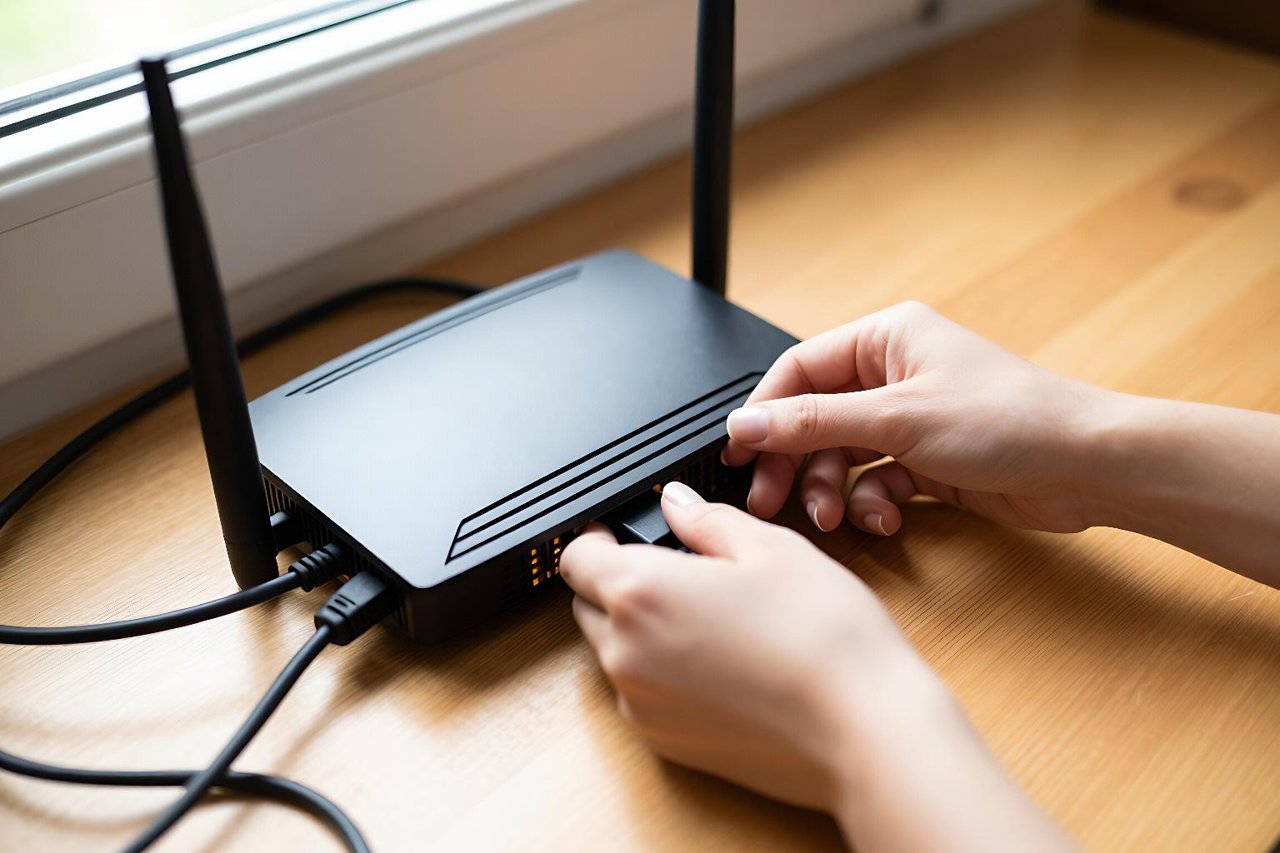
Turn on automatic updates for your operating system, browser and apps, then deal with the devices people forget. Wi-Fi routers, smart TVs, baby monitors and network cameras often run firmware that hasn’t been touched since purchase. Check the manufacturer’s app for a firmware update, and replace anything that stopped receiving security patches years ago.
6. Logging into sensitive accounts on public Wi-Fi
Airport and café networks are not automatically hostile, and HTTPS does encrypt most traffic these days. The gaps are elsewhere. Fake hotspots with names like “Cafe_Free_WiFi” are trivially cheap to set up, and older devices or misconfigured apps can still leak data. Captive portal pages that ask you to log in with Google or Facebook credentials deserve particular suspicion.
The simple workaround is your phone’s mobile hotspot, which is usually faster anyway. A reputable VPN is worth having for hotel and conference networks. And before you install a budgeting tool or trading app that will hold your card details, it’s reasonable to check how fintech software is built and secured before trusting it with your money.
7. Assuming you’re too small to be worth targeting, and keeping no backups
Freelancers, students and small business owners tell themselves the same thing: nobody’s going to bother hacking me. The reality is that attacks on individuals are mostly automated. You aren’t chosen. You’re just reachable, and a working email address plus a reused password is enough.
The mistake that hurts most isn’t the break-in, it’s the aftermath. Ransomware crews routinely target home NAS drives and small offices because they pay quickly. Cryptolocker-style attacks encrypt photos, tax records, invoices and years of work, and the ransom demand is typically a few hundred pounds in cryptocurrency.
The defence is a backup that exists in three places, on two different types of media, with one copy offline or off-site. Practically: your laptop, an external drive you unplug after each backup, and a cloud service. An unplugged drive matters because ransomware spreads to anything connected at the moment of infection.
Then test it. Pull a random file from six months ago and confirm it opens. A backup you’ve never restored from is a guess, and a guess discovered during an emergency is not a plan.


