
Table of Contents
You hold your phone near a reader, hear a small chime, and walk out with a coffee. The whole exchange took about a second and a half. Behind that chime sits a chain of handoffs: a radio signal, a cryptographic token, three or four companies, and a ledger that won’t be final for another day or two.
Here’s what’s actually going on under the tap.
The tap is radio, not magic
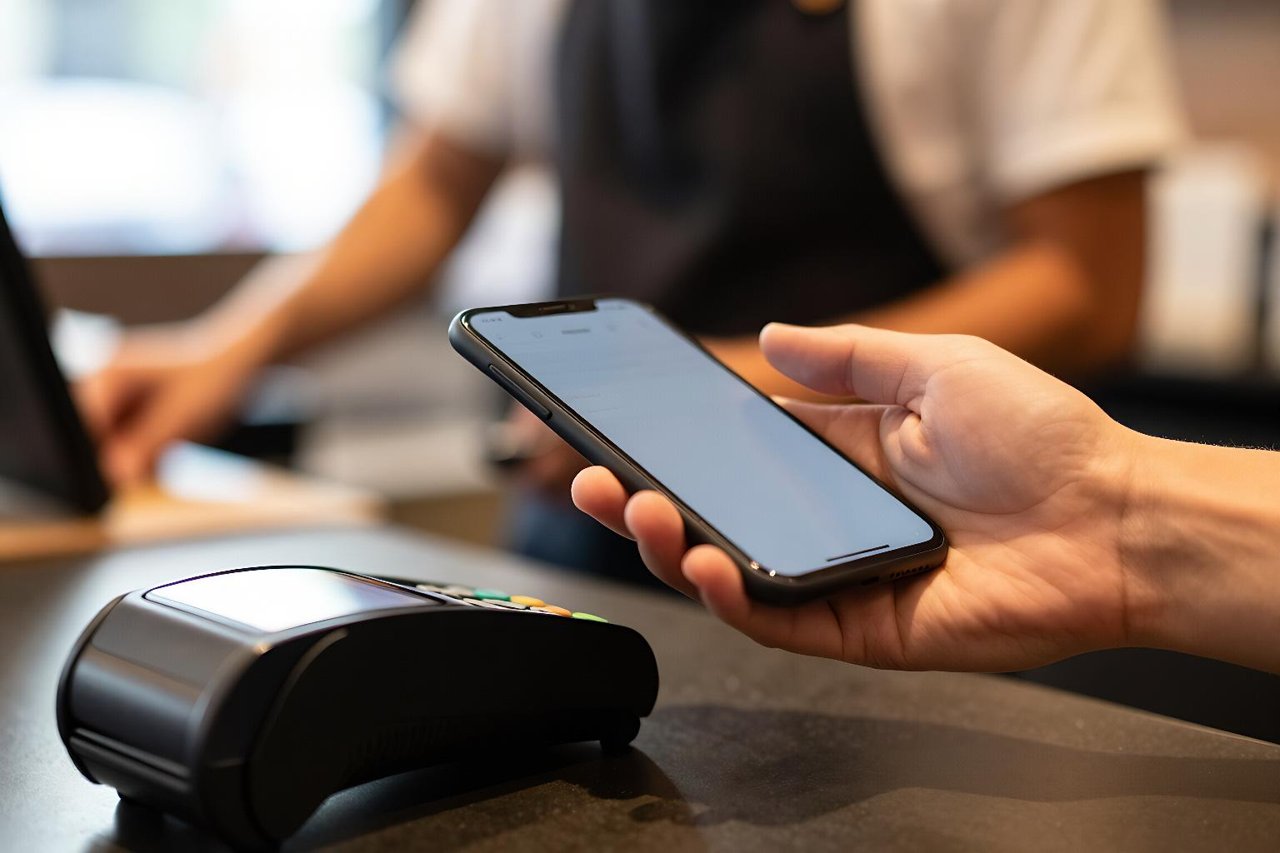
Nearly every tap-to-pay phone uses near-field communication, or NFC, running at 13.56 MHz. The reader generates an electromagnetic field, and when your phone enters it at roughly four centimetres or closer, the field powers a tiny chip inside the handset. That chip wakes up, exchanges a short burst of data with the reader, and goes quiet again.
The range is deliberately tiny. At four centimetres, someone standing next to you in a queue can’t intercept the signal, and you have to consciously hold the phone near the terminal. The exchange lasts a fraction of a second and carries no card number in the clear. If you want the deeper physics of the handshake, there’s a good explainer on what NFC is and how tap-to-pay actually transmits data.

Tokenization: the number that isn’t your card
This is the part most people never see, and it’s the reason mobile payments are arguably safer than plastic.
When you add a card to Apple Pay, Google Wallet or Samsung Wallet, your bank doesn’t just copy the 16 digits onto your phone. The card network issues a separate number called a device account number, or token, tied to that specific handset. Your real card number sits in a vault at the issuer. The phone only ever holds the token.
Each transaction also carries a one-time cryptogram, a short code generated inside a dedicated security chip. The token plus a fresh cryptogram means a captured transaction can’t be replayed. If someone skims the signal, they get a code that’s already dead.
Tokens are also disposable. Lose your phone, and you can disable the token from Find My or your bank’s app without cancelling the physical card sitting in your wallet. Some banks let you keep the card active while killing just the device credential.
What happens during the two-second approval
The chime you hear is the terminal confirming an authorization, not a completed payment. Here’s the sequence in roughly the order it happens:
- Your phone transmits the token, the cryptogram, and basic transaction data to the reader over NFC.
- The reader hands the data to the merchant’s payment terminal software and on to the acquirer, the bank that processes card payments for that shop.
- The acquirer routes the request through the card network, which looks up which bank issued that token.
- The issuing bank checks available balance, fraud rules, velocity limits and whether the token is still active.
- An approve or decline response travels back down the same chain, usually in under two seconds.
That round trip depends on infrastructure most of us never think about: distributed data centres, redundant network links, and fraud models that score a transaction in milliseconds. Card networks and processors run enormous workloads across cloud platforms, which is why payment reliability and cloud reliability have become the same conversation. The practical guide to AWS cloud computing gives a sense of the kind of infrastructure sitting behind always-on financial services.
Authorization is not settlement
The approval just reserves the money. Actual movement of funds happens later, usually overnight, when merchants batch their transactions and the network clears them. That’s why a hotel can hold an extra amount on your card for days, and why a refund can take three to five business days to appear even though the merchant processed it instantly.
Three flavours of mobile payment
NFC wallets
Apple Pay, Google Wallet and Samsung Wallet. The phone emulates a contactless card, so any terminal with the contactless logo works without the merchant installing anything new. This is why adoption was fast: the hardware was already in place.
QR codes
Dominant in China with Alipay and WeChat Pay, in India with UPI, and in Brazil with Pix. Here the phone doesn’t need NFC at all. Either you scan a merchant’s code or display yours, and the payment moves as a bank transfer or wallet debit. Cheap for merchants, since a printed sticker costs nothing, but slower at the till and dependent on a data connection.
In-app and browser payments
Buying something inside an app usually skips NFC entirely and sends the token over the internet instead. In Europe, strong customer authentication rules mean you’ll often confirm with a fingerprint or a code from your banking app. The security model shifts from “prove you have the device” to “prove you are the person.”
Who takes a cut, and how much
Mobile wallets didn’t invent new fees. The money splits the same way it does for a physical card tap.
Interchange, the fee the merchant’s bank pays the card issuer, runs from roughly 0.05% on regulated US debit to around 2% or 3% on premium credit cards. The card network takes its own small assessment. The acquirer adds a markup. Merchants typically pay somewhere between 1.5% and 3.5% all in.
The interesting bit: Apple and Google usually don’t charge merchants anything extra. They take a slice from the issuing bank, funded out of that interchange. So a shop pays the same whether you tap a card or a phone, which is a big reason merchants rarely resist contactless.
The biometric layer, and what it never reveals
Face ID, Touch ID and Android’s fingerprint sensors exist to answer one question: is the person holding this device the one who enrolled the card?
The scan doesn’t leave your phone. Your face or fingerprint is converted into a mathematical representation and stored encrypted in a dedicated security chip, never uploaded to Apple’s or Google’s servers, never sent to your bank. The biometric unlocks the token for one transaction. If you’re curious how that matching actually works, there’s a detailed breakdown of how facial recognition runs on mobile devices, including the secure enclave that guards the template.
Because of that design, a stolen unlocked phone is a real risk, but a stolen locked phone is close to useless for payments. The token is bound to the device, the secure element won’t release it without authentication, and you can revoke it remotely.
Where the technology still stumbles
Mobile payments fail in ways cards don’t. A dead battery ends your ability to buy anything. Some older terminals accept contactless cards but reject phone wallets because the acquirer never enabled the right configuration. Transit gates and vending machines sometimes run in offline mode and cap the transaction value, which is fine for a £3 fare and useless for a £40 shop.
Wearables add another wrinkle. A smartwatch can pay without your phone nearby, and on many models you don’t need to authenticate for transit taps under a set limit, which is convenient and slightly unnerving. If you’re weighing that trade-off, the breakdown of the best Apple Watch options covers which models handle wallet payments and how the express transit setting behaves.
Before you leave the house without a card
A few practical checks make phone-only life far less annoying.
Set your default card deliberately. Wallets pick the last-used card, and if that’s a debit card tied to a thin current account, a hold from a hire car can sting. Most wallets let you reorder cards in settings.
Know how refunds work. When a merchant refunds a contactless payment, it goes back to the token, which routes to your underlying card. If you’ve since removed that card from your phone, the refund still lands in your bank account, but it can take longer to trace if something goes wrong.
Keep one physical card in a pocket or bag as backup, and note that your chargeback rights don’t change just because the payment was made with a phone. You still dispute with the issuer, and you still get the same protections. What changes is the evidence trail: your wallet app keeps a record of device, time and merchant, which is often more detailed than a paper receipt.
Finally, glance at your bank’s app now and then. Tokens appear as separate entries in most banking apps, so you can see exactly which devices have access to your cards, and remove any you don’t recognise. It takes thirty seconds and it’s the single most useful security habit in mobile payments.


