
Table of Contents
It was the kind of sunny afternoon you assume nothing can ruin. My border collie, Skye, spooked at a skateboard, wriggled out of her harness, and flew across the field. For a full ten seconds, my GPRS tracker for dogs showed a bright blue dot heading toward the river. Then the dot blinked, froze, and vanished. Three minutes later, it reappeared in a neighbor’s garden, where Skye was happily investigating a bag of compost.
The tracker wasn’t broken. The SIM card had gone dormant after two months of inactivity. My training prevented a serious incident, but the tracker had failed to do its one job.
If you own a GPRS tracker for dogs, or you’re about to buy one, you’ve probably been told it gives you “peace of mind.” That phrase should come with an asterisk. These devices are only as good as their least-reliable component: the battery, the SIM card, or the owner’s assumptions. Here are the mistakes that cause most owners to discover their tracker doesn’t actually work when they need it.
Mistake No. 1: Believing “GPRS” Is a Magic Word
When you see “GPRS tracker for dogs” on a box, you might imagine a high-tech gadget that uses every satellite and radio wave it can find. In reality, GPRS is a data standard from the 2G era. Most modern trackers actually use 4G or 5G, but the term has stuck because it sounds technical. It is not a guarantee of coverage. The tracking device is only as good as the cellular network at your dog’s exact location. In many rural areas, that network is a single bar or nothing.

Before you hand over cash, check the device’s supported networks and the carrier coverage at the places you’ll actually walk your dog. A tracker that worked for the previous owner in a city may be useless in your woods.
Mistake No. 2: Letting the SIM Card Fall Asleep
Here’s a test you can do right now: open your dog tracker app and check when the last location update happened. If the tracker hasn’t pinged in a few days, the SIM may have gone mute. Prepaid SIMs often expire after a few months of inactivity, and some carriers suspend service if the account isn’t topped up. You might not know until your dog slips away and the map stays blank.
Set a recurring monthly reminder to check your tracker’s connection status and make sure the subscription is still active. This one small habit can prevent most catastrophic failures. If you’re new to this, you might be falling into some of the most common tracker mistakes owners make.
Mistake No. 3: Putting the Tracker Somewhere Dumb
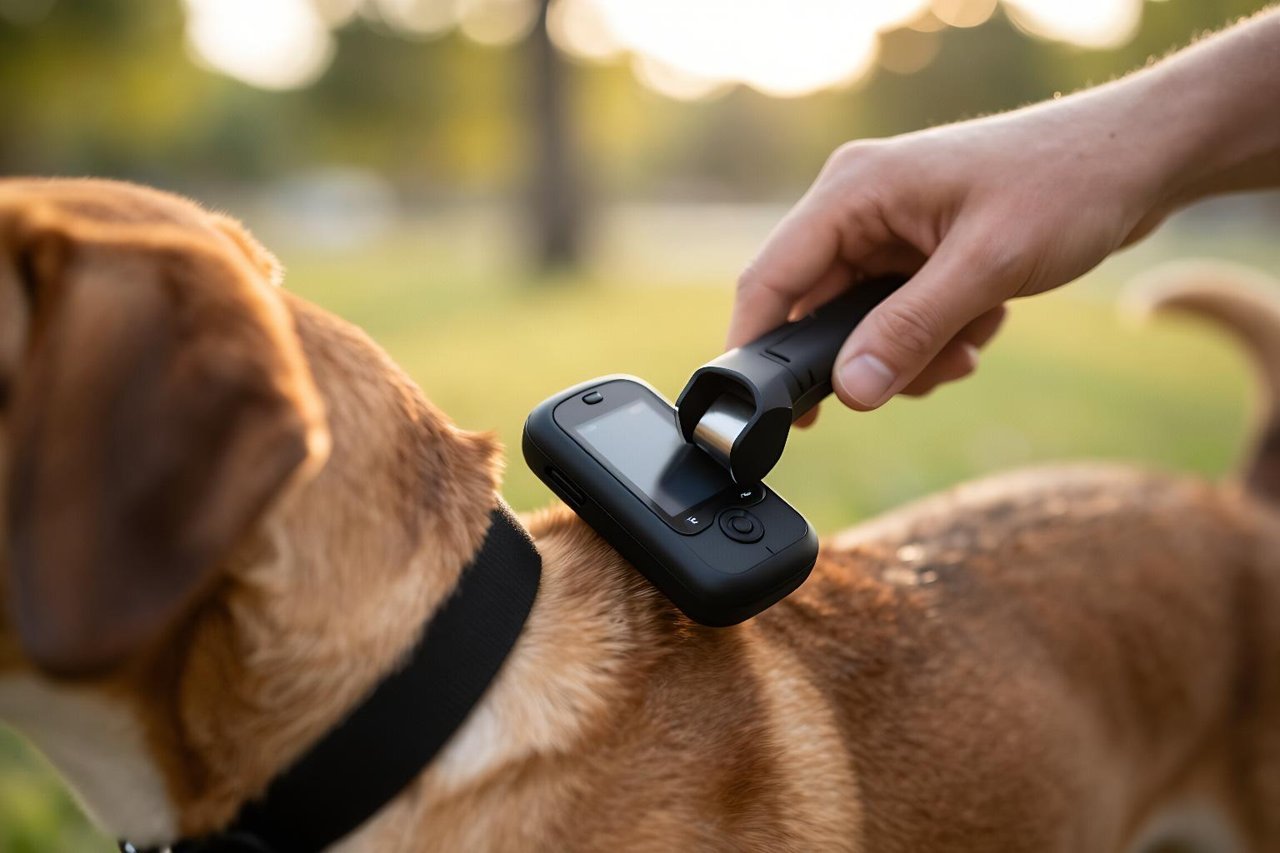
A tracker that hangs off the collar like a pendant is a tracker that’s about to fail. When a dog runs, the device swings, rotates, and can break its antenna contact with the ground or the sky. Fur, mud, and wet grass all interfere with GPS signals. The solution is to position the tracker at the back of the neck, flush against a rigid collar, with no space between the case and the strap. For active dogs, a harness with a built-in tracker pouch keeps everything where it belongs.
Once the placement is right, you have the surefire way to keep your pup within reach.
Mistake No. 4: Trusting “Real-Time” Too Much
“Real-time GPS” on the box usually means a position that updates every 10 to 60 seconds. That’s a lifetime for a dog that can sprint 25 mph. By the time your phone displays an updated dot, your dog could be over a hundred yards away, or in the next street, or on the other side of a highway. Some trackers also save battery by pausing updates, so the “last known location” might be several minutes old.
Train yourself to think of your tracker as “recent-time.” If you’re using it to track a high-energy dog, set the app to the fastest update interval and disable power-saving mode when you’re in unfamiliar terrain. That requires a subscription plan that allows frequent pings, and it’s one of the assumptions that can cost your dog’s safety.
Mistake No. 5: Relying on a Single Signal
GPS works best when it has a clear view of the sky. It struggles in dense forests, narrow city streets, and inside buildings. Cellular networks are just as patchy. A tracker that depends on both, without a fallback, will leave you blind at the exact moment you need it most. This is why more advanced dog trackers also include a radio-frequency beacon that you can follow with a separate receiver. That beacon doesn’t need satellites or cell towers; it works in the bottom of a ravine or under a concrete deck.
When you choose a tracker, look for the frequency bands and ask whether it has an off-grid mode. The best way to understand the differences is by comparing the four main ways to track your pup, including the hidden costs.
Mistake No. 6: Ignoring the Long-Term Price Tag
The product description says “only $49” for the tracker, but the subscription starts at $8 a month and the SIM can be an extra charge. Over two years, you’ll spend as much on the network service as you did on the device. Worse, when the cellular network you bought into gets decommissioned, you’ll need to replace the entire tracker, not just a SIM card.
Budget for the total cost of ownership, not just the purchase price. Read the fine print about data caps and roaming. Also, be skeptical of trackers that rely on Bluetooth “leashes” that cut out at 100 meters. Those aren’t GPRS trackers; they’re wireless keys. A GPS dog leash is a different concept entirely, but it won’t give you long-range tracking.
Mistake No. 7: Never Testing the Tracker in the Real World
You buy the tracker, attach it to the collar, check that it shows a dot on your phone, and then you trust it forever. That’s a mistake. Trackers fail from firmware bugs, water leaks, and wire fatigue. The only way to know yours still works is to actually test it, using the same conditions you’ll face when the dog is loose.
Take your dog to a local park, let them wander out to the edge of your property, and then try to find them using only the tracker. Do this at dusk, in the rain, and in an area with heavy tree cover. The first 48 hours after you receive a new tracker are a golden window for this kind of field testing; there’s a step-by-step field guide to the first 48 hours that walks you through it.
What Actually Works: A Two-Week Checklist
Stop treating your GPRS tracker like an amulet. Treat it like a tool that needs maintenance. Here’s a quick routine to keep it honest:
- Every Sunday: check the battery level and the last known location in the app.
- After any swim: dry the charging contacts and verify the seal is still intact.
- Once a month: do a timed test where you hide and use the tracker to find you.
- Before any car trip: reset the SIM and confirm the tracking plan is still active.
- Twice a year: run a full discharge and recharge cycle to calibrate the battery meter.
The tracker should be a safety net, not a source of false confidence. The dogs that get lost aren’t the ones whose trackers are broken beyond repair; they’re the ones whose owners never checked whether the tracker actually worked. A few minutes of careful attention is all it takes to turn a piece of electronics into a genuine lifeline.


